
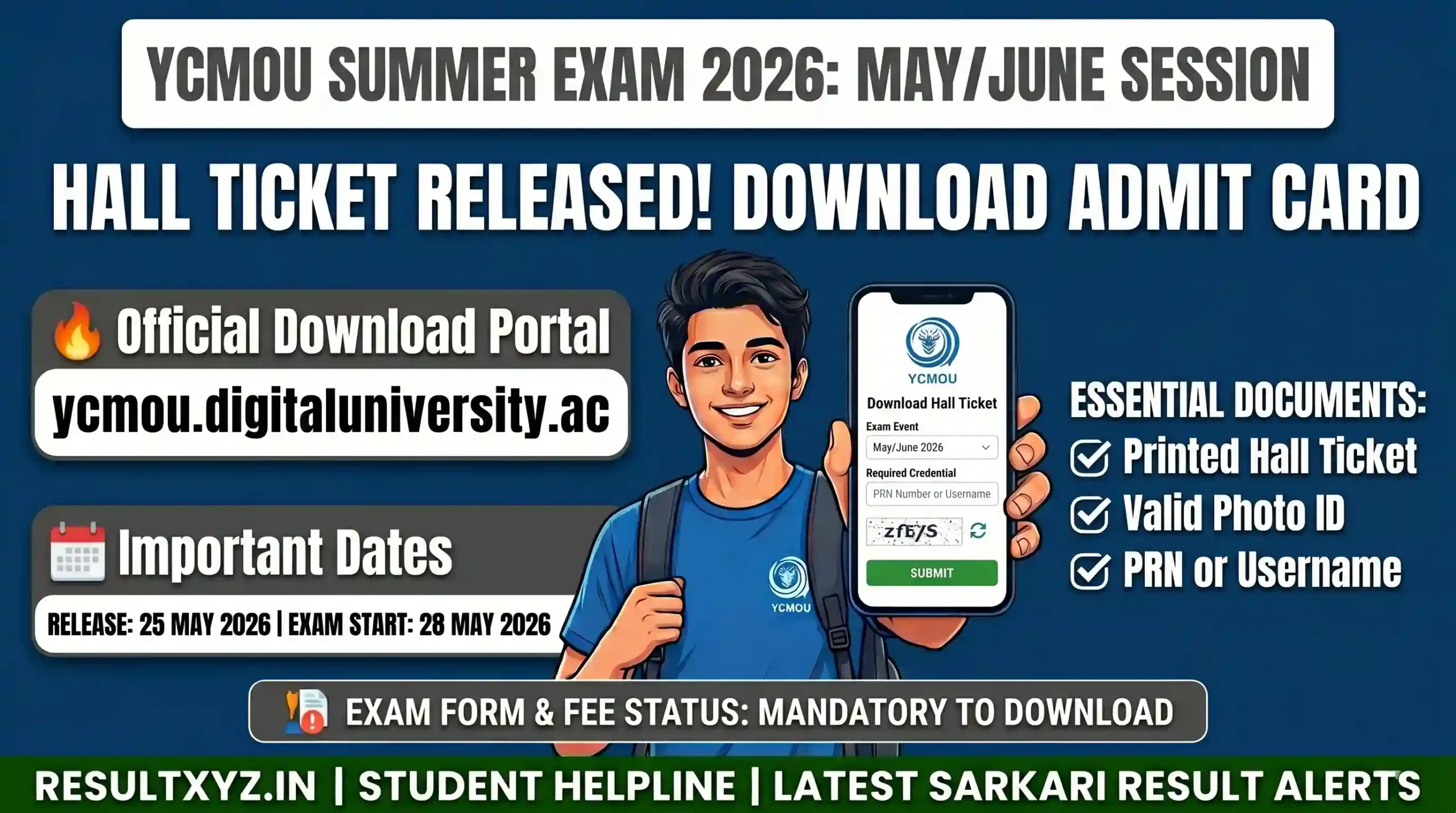
Hello, dear students! Great news for all YCMOU students. The YCMOU Hall Ticket / Admit Card 2026 for the May/June Summer Examinations has been officially released. Yashwantrao Chavan Maharashtra Open University (YCMOU) has activated the hall ticket download link on its digital university portal. Students who have filled out the exam form and paid the fees can now download their admit card easily.
In this detailed student-friendly guide, we have covered everything, how to download the hall ticket, important dates, exam schedule, what to carry on exam day, and more. Read the full article carefully so you don’t miss any important information.
Official Highlights and Stats
| Particular | Details |
|---|---|
| University Name | Yashwantrao Chavan Maharashtra Open University (YCMOU) |
| Exam Session | May/June 2026 (Summer Session) |
| Hall Ticket Release Date | 25 May 2026 |
| Exam Starting Date | 28 May 2026 onwards |
| Mode of Exam | Offline (Pen & Paper) |
| Hall Ticket Download Mode | Online |
| Official Portal | ycmou.digitaluniversity.ac |
| Required Credential | PRN Number or Username |
This hall ticket is mandatory to enter the examination hall. Without it, you will not be allowed to appear for the exam.
Important Dates
| Event | Date |
|---|---|
| YCMOU Summer Exam Form Start | April 2026 |
| Last Date to Submit Exam Form | May 2026 |
| YCMOU Hall Ticket Release | 25 May 2026 |
| YCMOU Summer Exam Start | 28 May 2026 |
| Last Date to Download Hall Ticket | Till the end of examinations |
| Expected Result Declaration | July/August 2026 |
Pro Tip for Students: Download and take 2-3 printouts of your hall ticket immediately. Check all details carefully (name, photo, exam centre, date & time).
How to Download YCMOU Hall Ticket 2026
- Visit the official hall ticket portal:
https://ycmou.digitaluniversity.ac/PreExamV2_DownloadHallTicket_New.aspx?ID=28070 - Select the Exam Event (May/June 2026 Summer Session).
- Enter your PRN Number (Permanent Registration Number) or Username.
- Solve the security captcha.
- Click on the Submit button.
- Your hall ticket will appear on the screen.
- Download it and take a clear printout on A4-size paper.
Important: Make sure you have paid all your examination fees. Only then will the hall ticket be available.
Photo & Signature Resize Tips: If you need to upload new documents in the future, you can easily resize your photo and signature using imagexyz.net or photokb.in.
Details Mentioned on YCMOU Hall Ticket
- Student’s Name and PRN Number
- Photograph and Signature
- Exam Centre Name and Address
- Exam Date, Time and Subject-wise Schedule
- Important Instructions for the Exam
Carefully check all details. If you find any mistakes, immediately contact your study centre or YCMOU helpline.
Exam Day Guidelines
- Reach the exam centre at least 30-45 minutes before the exam time.
- Carry printed Hall Ticket + Valid Photo ID Proof (Aadhaar Card, Voter ID, Driving Licence, etc.).
- Bring your own pen, pencil and other required stationery.
- No electronic gadgets, mobile phones, or study material allowed inside the hall.
- Follow all COVID or university guidelines if any.
Important Links
| Link Description | Direct Link |
|---|---|
| Official Hall Ticket Download | https://ycmou.digitaluniversity.ac/PreExamV2_DownloadHallTicket_New.aspx?ID=28070 |
| YCMOU Main Digital University Portal | https://ycmou.digitaluniversity.ac |
| Official YCMOU Website | https://ycmou.ac.in |
| Exam Time Table | Available on ycmou.digitaluniversity.ac |
| Join Our WhatsApp Channel for Updates | https://whatsapp.com/channel/0029VbCQALTEFeXt4o00J01w |
| Age Calculator | https://rjcalculator.com |
Note: Always download your hall ticket from the official portal only. Beware of fake websites and agents.
Recent other Admit card Released:
- JEECUP Admit Card 2026: Expected Today – Download UP Polytechnic Hall Ticket Online
- AIBE 21 Admit Card 2026 (Live): Direct Download Link
Frequently Asked Questions (FAQs)
1. When was the YCMOU Hall Ticket 2026 released?
The hall ticket was released on 25 May 2026 for the May/June Summer Examinations.
2. What is needed to download the YCMOU admit card?
You only need your PRN Number (Permanent Registration Number) or Username.
3. I have not received my hall ticket. What should I do?
Make sure you have paid the exam fees. If still not available, contact your study centre immediately.
4. Can I download the hall ticket from my mobile?
Yes, but it is better to download and print from a laptop or desktop for better clarity.
5. Is the hall ticket mandatory for the exam?
Yes, without a printed hall ticket and photo ID, you will not be allowed to enter the examination hall.
6. What to do if there is a mistake in my hall ticket?
Immediately inform your study centre or YCMOU examination department with proof.
Best of Luck to all YCMOU students appearing for the May/June 2026 examinations! Stay calm, prepare well, and give your best in the exams.
All the Best! If you have any doubt, comment below or join our WhatsApp channel for the latest updates. Please share this article with your fellow YCMOU students so they can also download their hall ticket easily.
Disclaimer
This article is prepared only for informational and educational purposes based on the latest official updates of YCMOU May/June 2026 examinations. All students are advised to verify the hall ticket, dates, and details only on the official website ycmou.digitaluniversity.ac. We are not responsible for any technical issues, changes made by the university, or any misinformation. Students should rely only on verified official sources and stay away from scams.
