
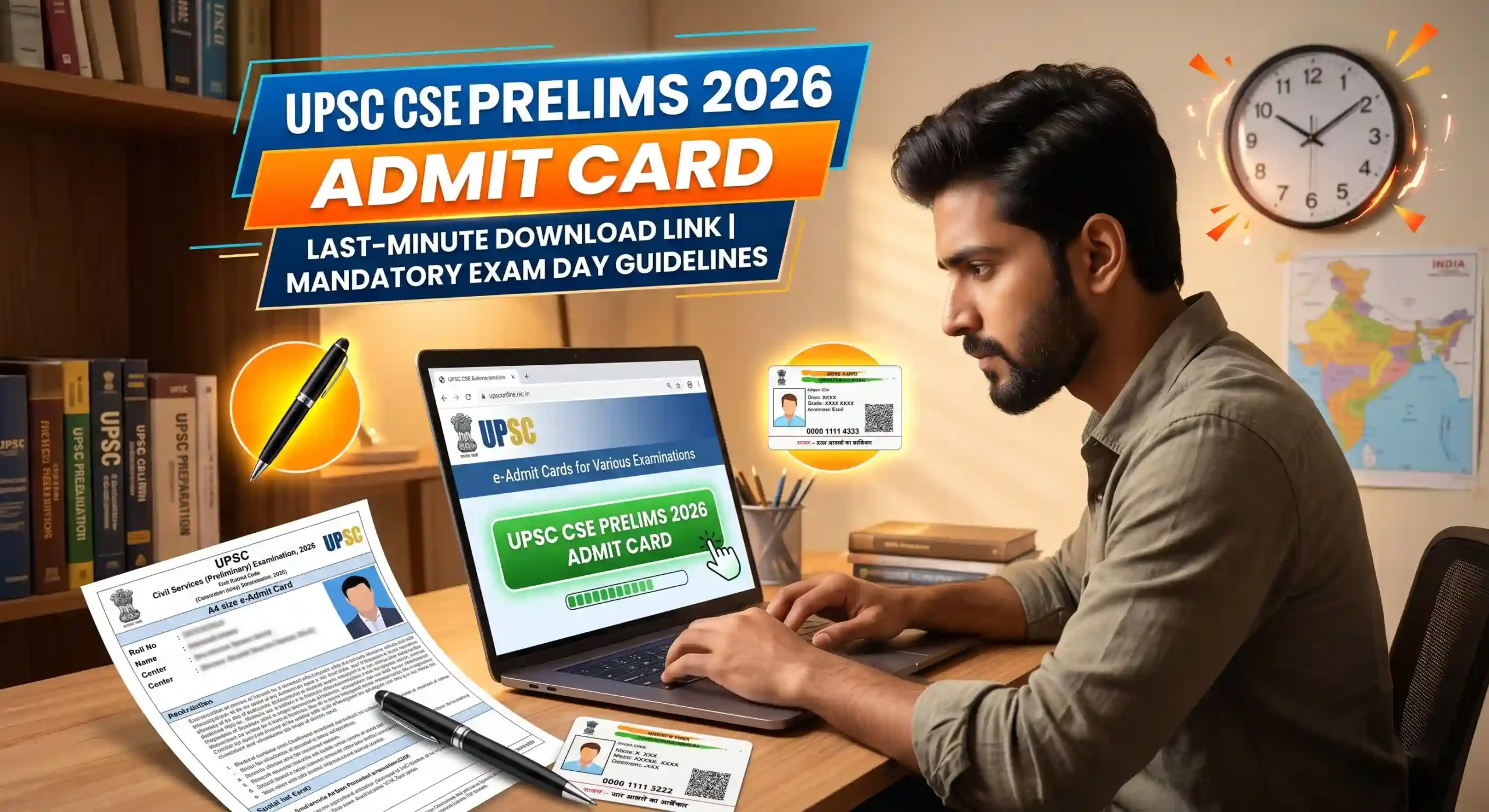
The clock is ticking, and the pressure is at an all-time high! With the UPSC Civil Services Preliminary Examination scheduled for this Sunday, May 24, 2026, lakhs of IAS and IPS aspirants across India are in the final leg of their preparation. If you are one of the candidates appearing for the country’s most prestigious exam, this is your crucial 48-hour wake-up call.
While the Union Public Service Commission (UPSC) released the e-Admit Cards earlier this month, the last-minute server rush is a real phenomenon. Thousands of students wait until the final two days to download or reprint their hall tickets, which often leads to the official portal experiencing heavy server loads or temporary crashes.
Do not let a technical glitch ruin your hard work. This comprehensive, student-friendly guide will walk you through the exact steps to safely download your UPSC CSE Prelims Admit Card 2026 right now, along with the strict exam day guidelines, shift timings, and vital tools you need for a hassle-free Sunday. Take a deep breath, verify your center details, and let us get you completely ready for D-Day!
Official Highlights
Before we jump into the download process and the strict rules set by the Commission, let us take a quick look at the core organisational metrics for the Civil Services Examination 2026.
| Examination Element | Official Notification Details |
| Conducting Authority | Union Public Service Commission (UPSC) |
| Name of the Examination | Civil Services (Preliminary) Examination 2026 |
| Target Posts | IAS, IPS, IFS, IRS, and other Group A & B Services |
| UPSC Prelims Exam Date | May 24, 2026 (Sunday) |
| Admit Card Status | Released (Last-Minute Rush Active) |
| Mode of Examination | Offline (Pen and Paper / OMR Based) |
| Total Papers in Prelims | General Studies Paper-I & CSAT (Paper-II) |
| Official Web Portal | upsconline.nic.in |
Important Dates Timeline
For a serious UPSC aspirant, the calendar is everything. Here is the official timeline matrix. Keep this in mind as you prepare for the upcoming stages of your journey.
| Event / Milestone | Official Date & Timeline |
| UPSC CSE 2026 Notification Released | February 2026 |
| Last Date to Apply Online | March 2026 |
| UPSC Prelims Admit Card Release | May 2026 |
| UPSC CSE Prelims Exam Date | May 24, 2026 (This Sunday) |
| Expected Prelims Result Date | June 2026 |
| UPSC CSE Mains Examination | September 2026 |
How to Download UPSC Prelims Admit Card
The UPSC does not send paper admit cards by post. You must download the e-Admit Card from the official website. To beat the server jam today, keep your Registration ID or Roll Number ready and follow these direct steps:
Step 1: Open your mobile or desktop browser and visit the official portal: upsconline.nic.in.
Step 2: Click on the prominent link that reads “e-Admit Cards for Various Examinations of UPSC”.
Step 3: Select the link for “Civil Services (Preliminary) Examination, 2026”.
Step 4: Read the mandatory technical instructions carefully and click on “Yes” at the bottom to proceed.
Step 5: You will be given two options to log in: By Registration ID or By Roll Number. Select your preferred method.
Step 6: Enter your credentials, your Date of Birth, and the security Captcha code displayed on the screen.
Step 7: Hit the ‘Submit’ button. Your UPSC Prelims Admit Card will appear on your screen.
Step 8: Download the PDF file immediately. Take a clear printout (Color or Black & White) on an A4 size paper. Ensure the barcode and your photograph are clearly visible.
Shift Timings and Paper Structure
You must be absolutely clear about the timings. Reaching the venue late is the biggest nightmare for any aspirant. Entry into the examination venue closes exactly 30 minutes before the scheduled commencement of the exam in each session.
- Morning Session (General Studies Paper – I): 9:30 AM to 11:30 AM (Entry closes at 9:00 AM sharp).
- Afternoon Session (CSAT Paper – II): 2:30 PM to 4:30 PM (Entry closes at 2:00 PM sharp).
Mandatory Exam Day Guidelines (Strict UPSC Rules)
The Commission is incredibly strict about exam center discipline. A single mistake can lead to disqualification. Please ensure you memorize these rules:
1. The Black Ball Point Pen Rule: You are strictly required to bring a Black Ball Point Pen to the examination hall. The OMR answer sheets and attendance lists must be filled with a black ballpoint pen only. Gel pens, ink pens, or pencils are strictly banned and will result in your OMR sheet being rejected by the computer scanner.
2. Carry Original Photo ID: Along with your printed e-Admit Card, you must carry the original Photo ID Card whose number is printed on your admit card (e.g., Aadhaar Card, Voter ID, PAN Card, Driving License).
3. Bring Extra Photographs: If the photograph on your e-Admit Card is not clear or is missing, you must bring two passport-size photographs (one for each session) along with an undertaking to hand over to the invigilator.
4. Gadget Ban: Mobile phones (even in switched-off mode), smartwatches, digital devices, programmable calculators, or any electronic communication devices are completely banned. Only simple analog wristwatches are allowed inside the hall.
Smart Utilities for Future UPSC and State PCS Applications
As an aspirant, you will be filling out multiple application forms for State Public Service Commissions (like UPPSC, BPSC, MPPSC) or preparing for the UPSC Mains Detailed Application Form (DAF). Portals have very strict file size and formatting rules. Bookmark these highly useful, student-friendly Indian utility tools to save yourself hours of frustration:
- Image & Signature Resizer: Sarkari portals reject files that do not match exact pixel dimensions. Head over to imagexyz.net to seamlessly crop, frame, and resize your digital passport photos and signatures to match exact official guidelines instantly.
- Document KB Compressor: Your degree certificates, caste proofs, and ID cards are usually heavy scanned files. Use photokb.in to compress these heavy documents strictly under the 50KB, 100KB, or 300KB ceilings without blurring a single line of text.
- Age Limit Eligibility Tracker: UPSC and State PCS have strict age limits and attempt counts calculated on specific cutoff dates (like August 1 of the exam year). Use rjcalculator.com to calculate your exact age in years, months, and days to ensure you are perfectly eligible for upcoming notifications.
- Complete Web Formatting Toolkit: For any other fast document utility needs, text formatting, or quick web tools required during your application processes, keep toolonweb.com pinned to your browser. It is a lifesaver for quick digital micro-tasks.
Important Links Table
| Destination / Action Required | Direct Hyperlink Pathway |
| Join Our Live WhatsApp Updates Channel | Join ResultXYZ WhatsApp Channel |
| Download UPSC Prelims Admit Card | Click Here |
| Official UPSC Main Website | Union Public Service Commission |
| Passport Photo & Signature Sizer | imagexyz.net |
| Document KB Compressor Tool | photokb.in |
| Age Eligibility Calculator | rjcalculator.com |
| Aspirant Web Tool Kit | toolonweb.com |
- AIBE 21 Admit Card 2026 (Out Today): Direct Download Link
- ICSI CSEET June 2026 Admit Card Out: Download Link Here
- UPSC Prelims 2026 Answer Key Live Update: Download
Frequently Asked Questions (FAQs)
Q1: What should I do if I have forgotten my UPSC Registration ID (RID)?
Ans: Do not panic. On the admit card download page at upsconline.nic.in, click on the “Forgot RID?” option. You will be asked to enter your registered Name, Father’s Name, Mother’s Name, and Date of Birth. Upon submission, your Registration ID will be sent to your registered email address and mobile number.
Q2: Is a color printout of the UPSC Admit Card mandatory?
Ans: No, a color printout is not strictly mandatory. You can carry a black and white printout. However, ensure that the print quality is high, the text is perfectly legible, and your photograph and barcode are clearly visible to the invigilator.
Q3: Can I carry a water bottle inside the exam hall?
Ans: Yes, candidates are allowed to carry a transparent water bottle inside the examination hall. Opaque or colored bottles, or bottles with large printed labels, are generally not permitted.
Q4: I have a spelling mistake on my admit card. Will I be stopped from giving the exam?
Ans: Minor spelling errors usually do not stop you from taking the exam if your original Photo ID clearly proves your identity. However, you must inform the UPSC immediately via email and bring the discrepancy to the notice of the invigilator at the exam center. Carry additional valid ID proofs just in case.
Q5: Is there negative marking in both GS Paper 1 and CSAT?
Ans: Yes, there is a strict penalty for wrong answers in both papers. One-third (0.33) of the marks assigned to that question will be deducted as a penalty for every incorrect answer. Do not rely on blind guesswork!
Q6: Are candidates allowed to leave the hall if they finish the paper early?
Ans: No. Under strict UPSC regulations, no candidate is permitted to leave the examination hall until the exact completion time of the session (11:30 AM for the morning shift and 4:30 PM for the afternoon shift).
Disclaimer
This article is published exclusively for educational guidance, last-minute informational support, and to assist IAS/IPS aspirants with the latest examination updates. ResultXYZ maintains no official partnership, structural contract, or administrative affiliation with the Union Public Service Commission (UPSC). All dates, exam rules, timings, and data points are referenced from public notifications issued by the Commission. Candidates are strictly advised to rely exclusively on the official UPSC portals upsc.gov.in and upsconline.nic.in for final instructions, legal exam policies, and authenticated admit card downloads. Wishing all aspirants the very best for the upcoming examination!
